
Golf Sim & Gaming PCs· Hamden, CT
Built for the bay. Tuned for your game.
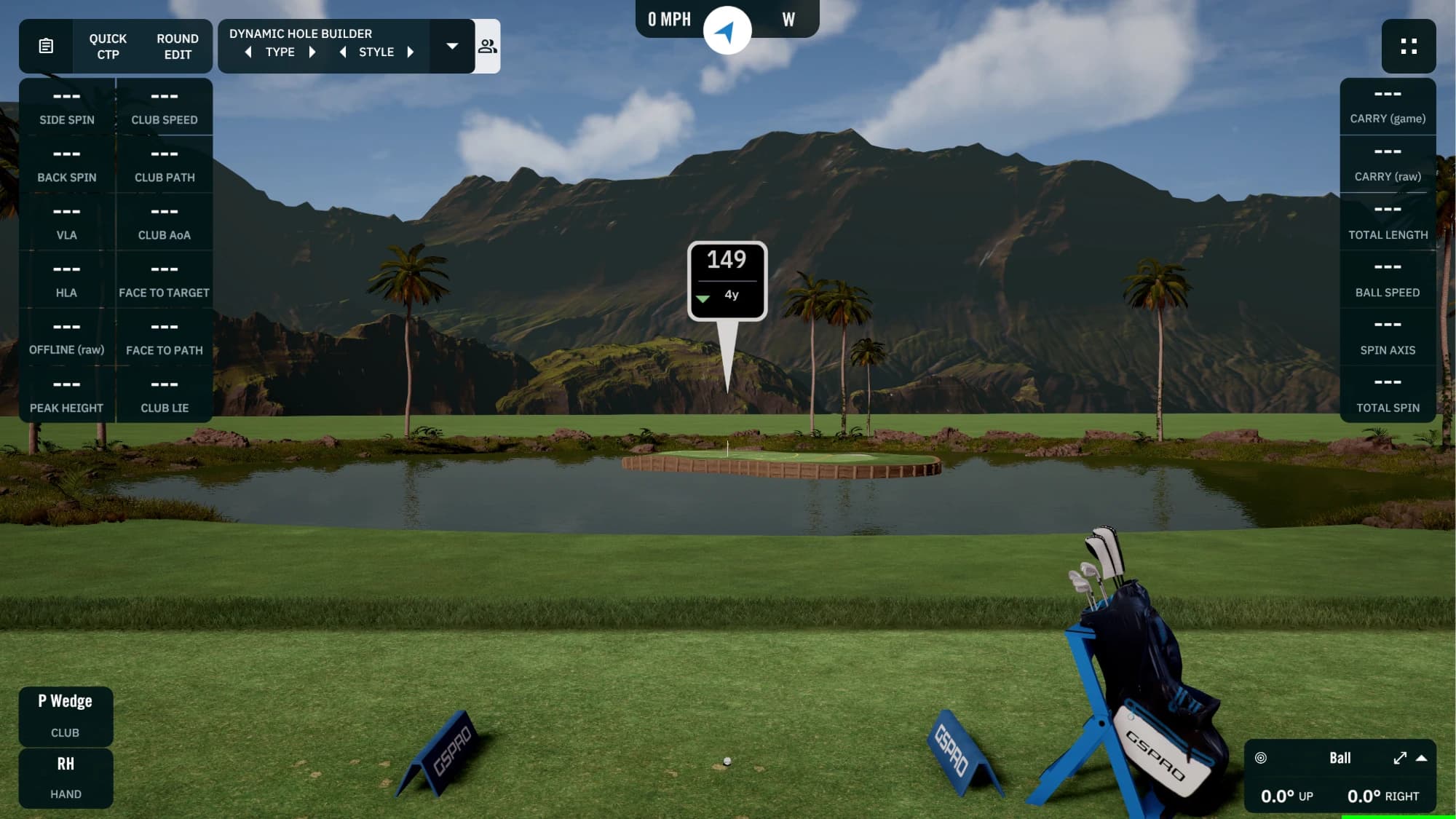
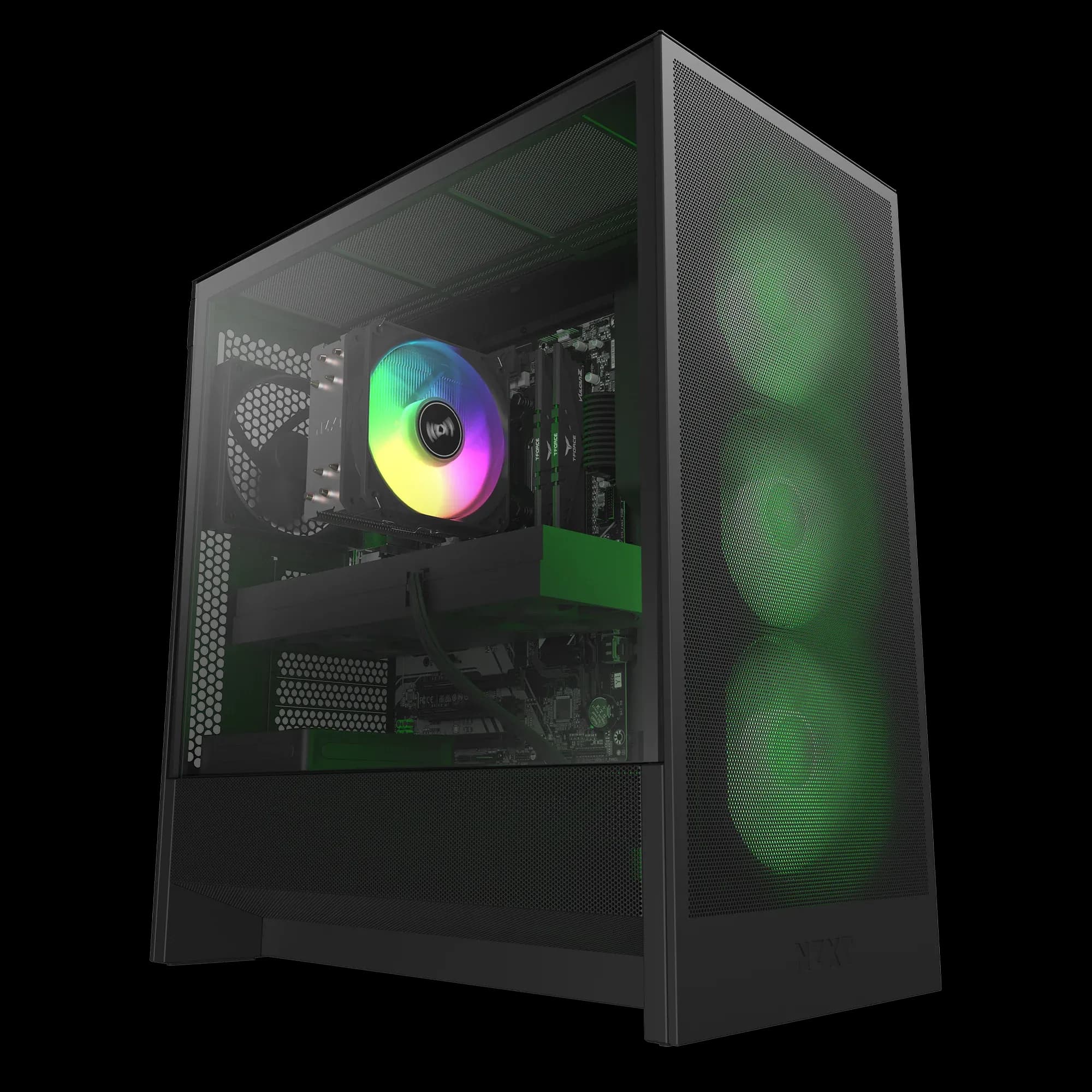
We build the PCs that run commercial golf simulator bays. Get the same caliber of machine for your home sim, your gaming setup, or your next venue, built and tested by our team in Hamden, CT.
- Starting at
- $2,999
- Base Birdie build
- Builds
- 3
- Birdie · Eagle · Albatross
- Resolution
- Up to 4K
- 1080p to native 4K projectors
- Built in
- Hamden, CT
- Built, tested, and supported here
Why it matters
A sim PC isn’t just a gaming PC
Your sim runs a projector, a launch monitor, and cameras at the same time, often from a closet or a cabinet. We plan for all of it, the same way we do in commercial bays.
Smooth at your projector's resolution
Sim software renders a full course in real time on a big impact screen. We size the graphics card to the resolution you actually play at, from 1080p to native 4K.
1080p to 4K
Room for every camera
Launch monitors, high-speed swing cameras, and PoE camera rigs all fight for bandwidth. We plan the ports so each device gets a clean connection.
USB 3.0 · PoE
Cool and quiet in a cabinet
Sim PCs usually live in a closet, a cabinet, or behind the screen. We pick cooling and cases that stay quiet and hold steady performance in tight spaces.
Air or liquid
Ready when it hits your bay
Tell us your launch monitor and software. Windows, drivers, and updates are done before handoff, so setup at your bay is quick. Sim software licenses are sold separately.
Ready to play
After you send it
From request to first swing
We review your build
A technician checks compatibility, power, cooling, and fit, and flags anything we'd change for your setup.
You get a written estimate
Exact parts, current pricing, and any setup work, in writing. Nothing is ordered until you approve it.
We build and test
Assembled at our Hamden, CT service center, updated, and tested under load before it leaves the bench.
Pickup or delivery
Pick it up in Hamden, or ask about delivery and on-site setup. We'll confirm options in your estimate.
FAQ
Questions before you build
- Why don't I see a new price when I change a spec?
- Part prices move week to week, and some changes ripple into others. A bigger graphics card can need a bigger power supply or a different case. Instead of showing a number that might be wrong, we review your build and send a written estimate at current pricing.
- Which build should I choose?
- Birdie handles most single-projector home sims at 1080p or 1440p. Eagle is the pick for a native 4K projector or multiple swing cameras. Albatross is built for commercial bays, 4K at high settings, and multi-display or streaming setups. Not sure? Pick the closest one, tell us about your setup, and we'll recommend changes in the estimate.
- What simulator software will these run?
- They're spec'd for the popular PC-based platforms, including GSPro, E6 Connect, TGC 2019, and PurePlay, and they double as high-end gaming PCs. Every platform has its own requirements, so tell us what you run and at what resolution, and we'll confirm the build fits.
- Do you work with simulator companies and venues?
- Yes. We build for commercial bays and simulator installers, including multi-unit orders with matching configurations. Set the quantity in the form, or call to talk through a rollout.
- Can I ask for something that isn't listed?
- Yes. Use the notes field for anything else: a specific case, RGB or no RGB, extra fans, a capture card, or parts you already own. We'll work it into the estimate.
- What about warranty and support?
- Components carry their manufacturers' warranties, and builds are supported through our Hamden, CT service center. Coverage details are included with your estimate.
Not sure which build fits your bay?
Tell us about your room, projector, and launch monitor, and we’ll point you to the right build.